Recurring plans and suscriptions
4Geeks enables you to easily build complete recurring billing systems, ideal for subscription-based business models. You can set up periodic payments quickly without needing extensive programming knowledge.
Designed with SaaS platforms in mind (like Netflix, Uber, or Slack), this product allows you to manage multiple subscribers securely and efficiently.
Through the Console, you can create and manage plans, view subscribers, and track their billing status. 4Geeks automatically handles the recurring charges based on the cycle configured for each plan.
There are no limits on the number of plans you can create or the number of subscribers you can have.
Note
A Plan represents the type of service a customer can subscribe to, and encompasses a defined number of features. A Subscription is started when a new subscriber enrolls in a plan. When a user subscribes to a plan, they become a Subscriber.
4Geeks Payments prioritizes security and personalized service. Therefore, each customer receives a unique Customer Portal URL. This dedicated link provides exclusive access to their subscription details, payment management, and invoice history, ensuring a tailored and secure experience.
Accessing Plans
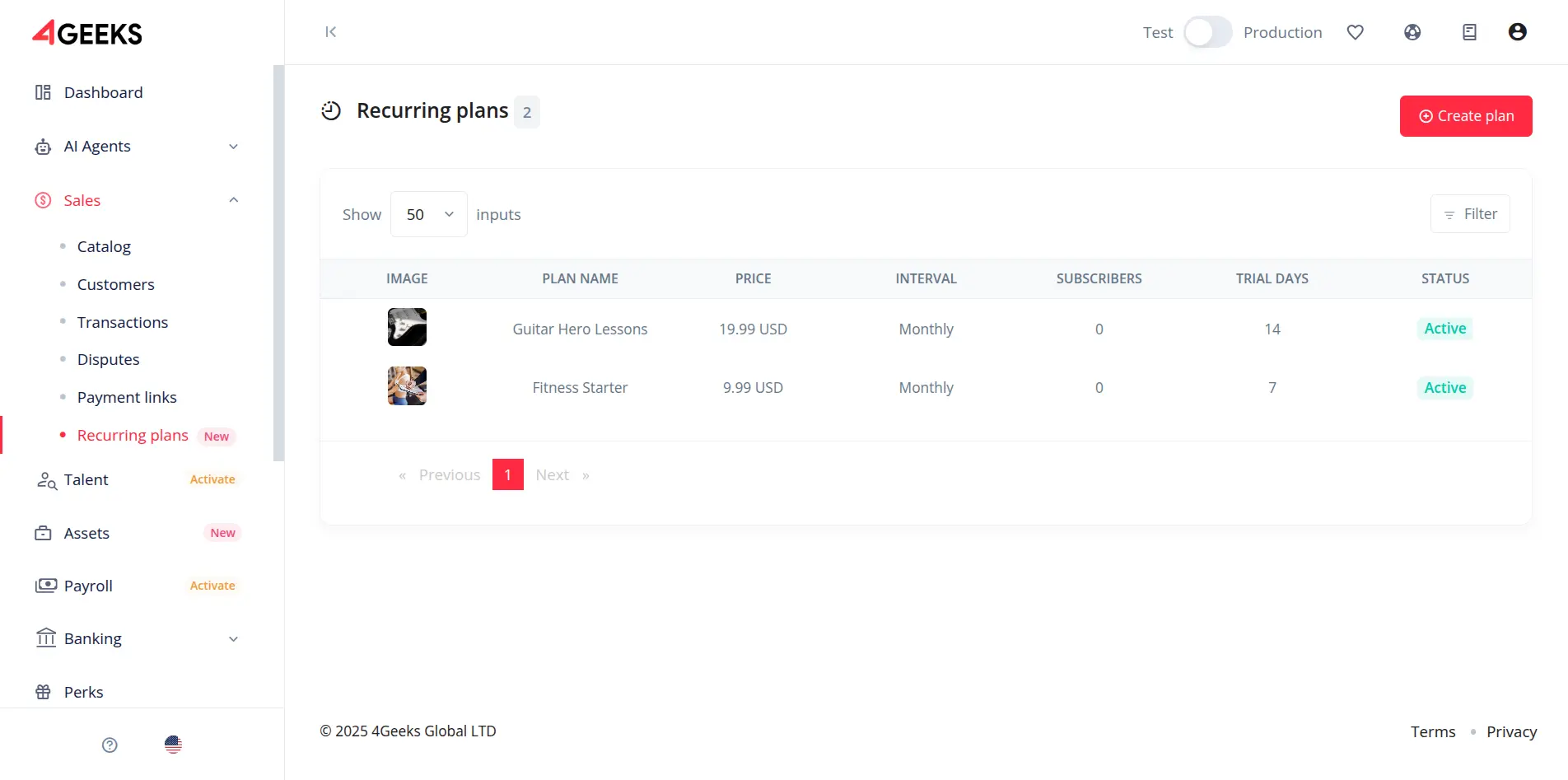
You can access the Plans section from the main navigation menu located on the left side of the screen. To do this, click on the Sales category to expand its submenu. At the bottom of this list, you will find the Recurring plans option. This section allows you to manage and configure all available subscription plans for your users.
Creating a plan
To create a new plan, click on the Create Plan button, located at the top-right corner of the Plans section.
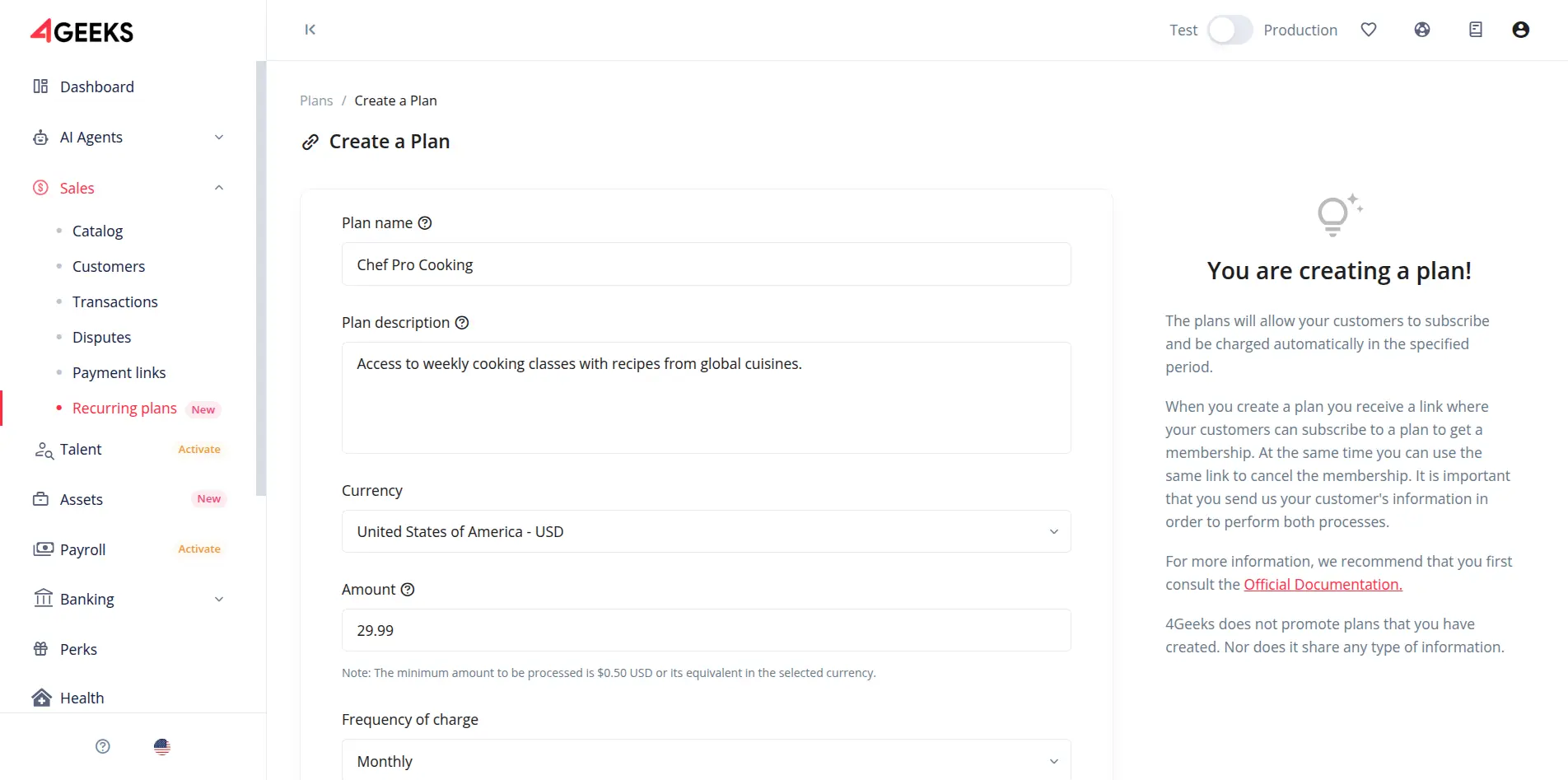
This will open a form where you can enter the basic information required to define the plan.
Required Fields:
- Name: The name of the plan (must be unique).
- Description: A brief description of what the plan offers.
- Amount: The cost of the plan.
- Currency: The currency for the charge (e.g., USD).
- Interval: The billing cycle (e.g., Monthly, Yearly).
- Trial Period: Number of free trial days (optional).
Note
Each plan name must be unique. Two plans cannot share the same name.
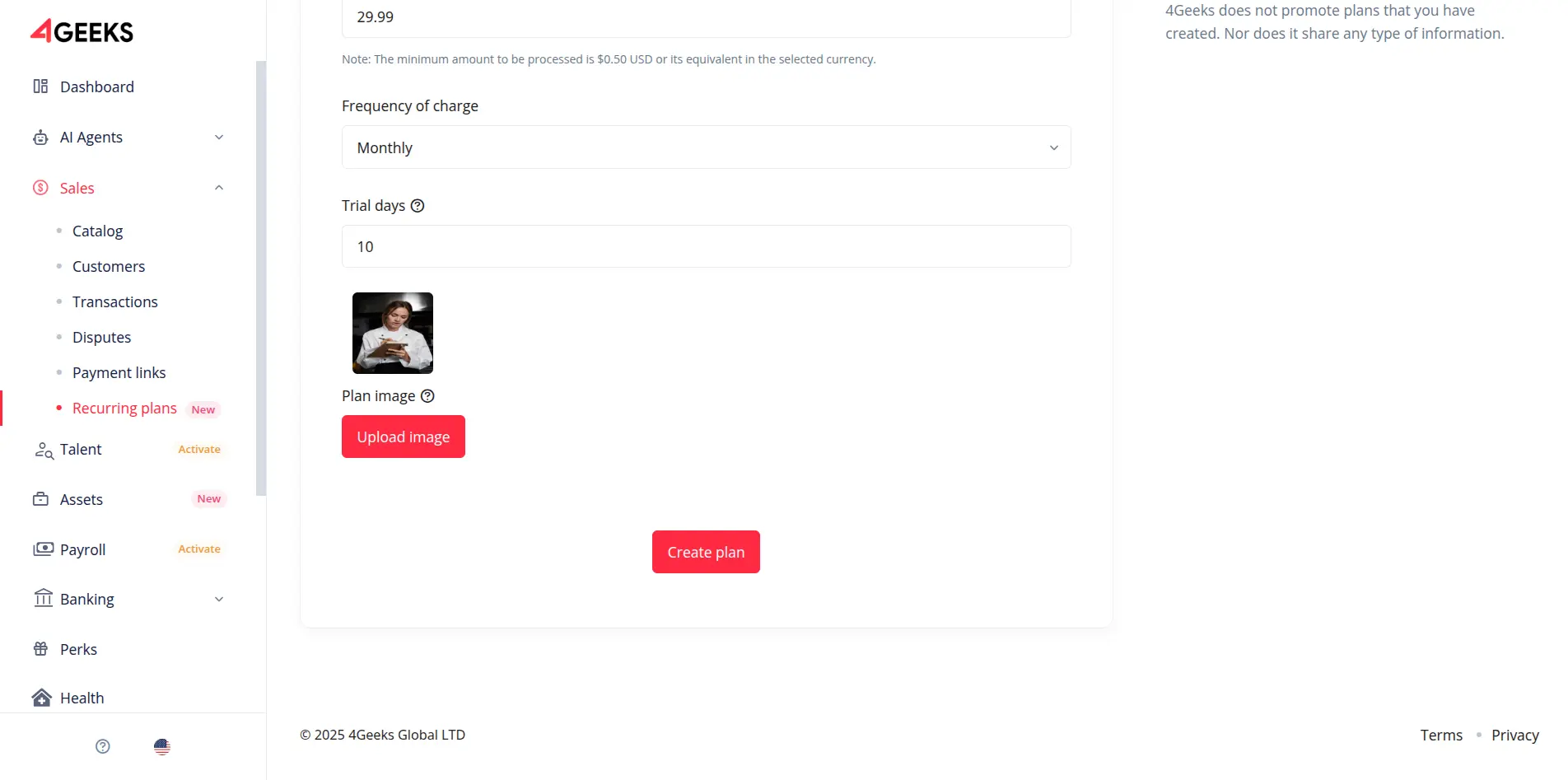
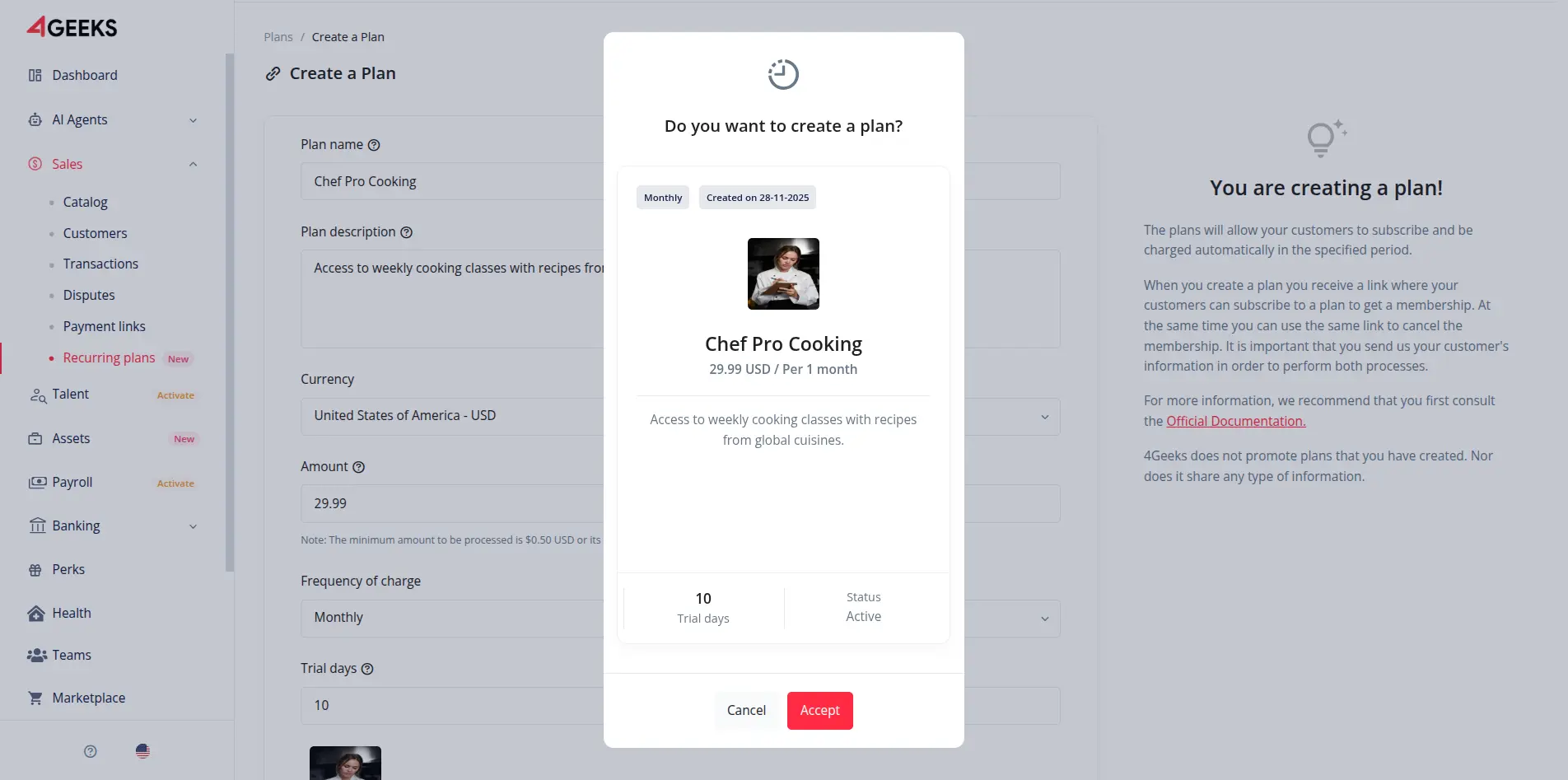
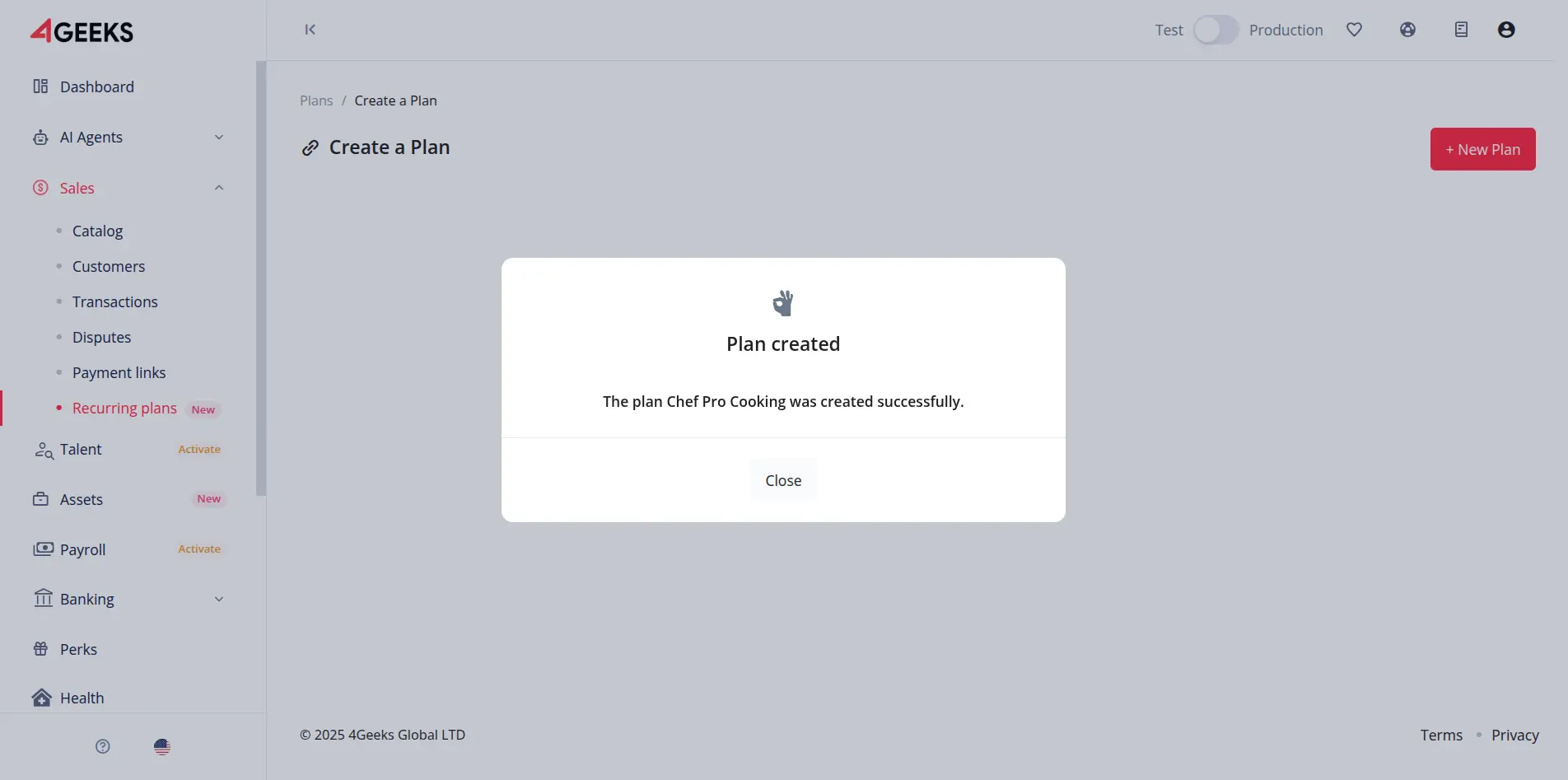
After completing the form, confirm the creation. The plan will now be available for subscriptions.
Subscribe to a plan
To subscribe a user to a plan, follow these steps:
-
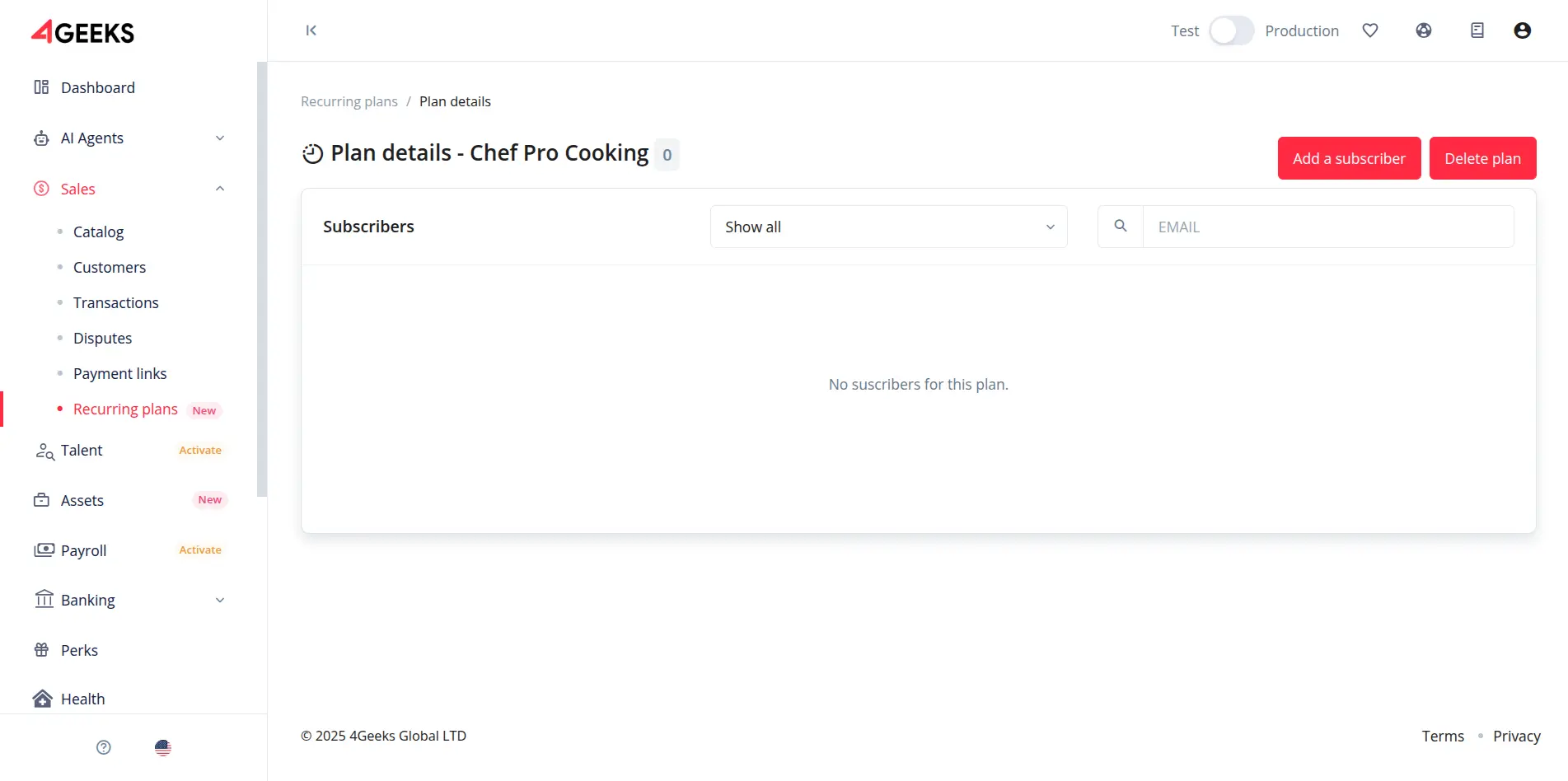
Select a Plan: Navigate to the details page of the plan you wish to subscribe a user to.
-
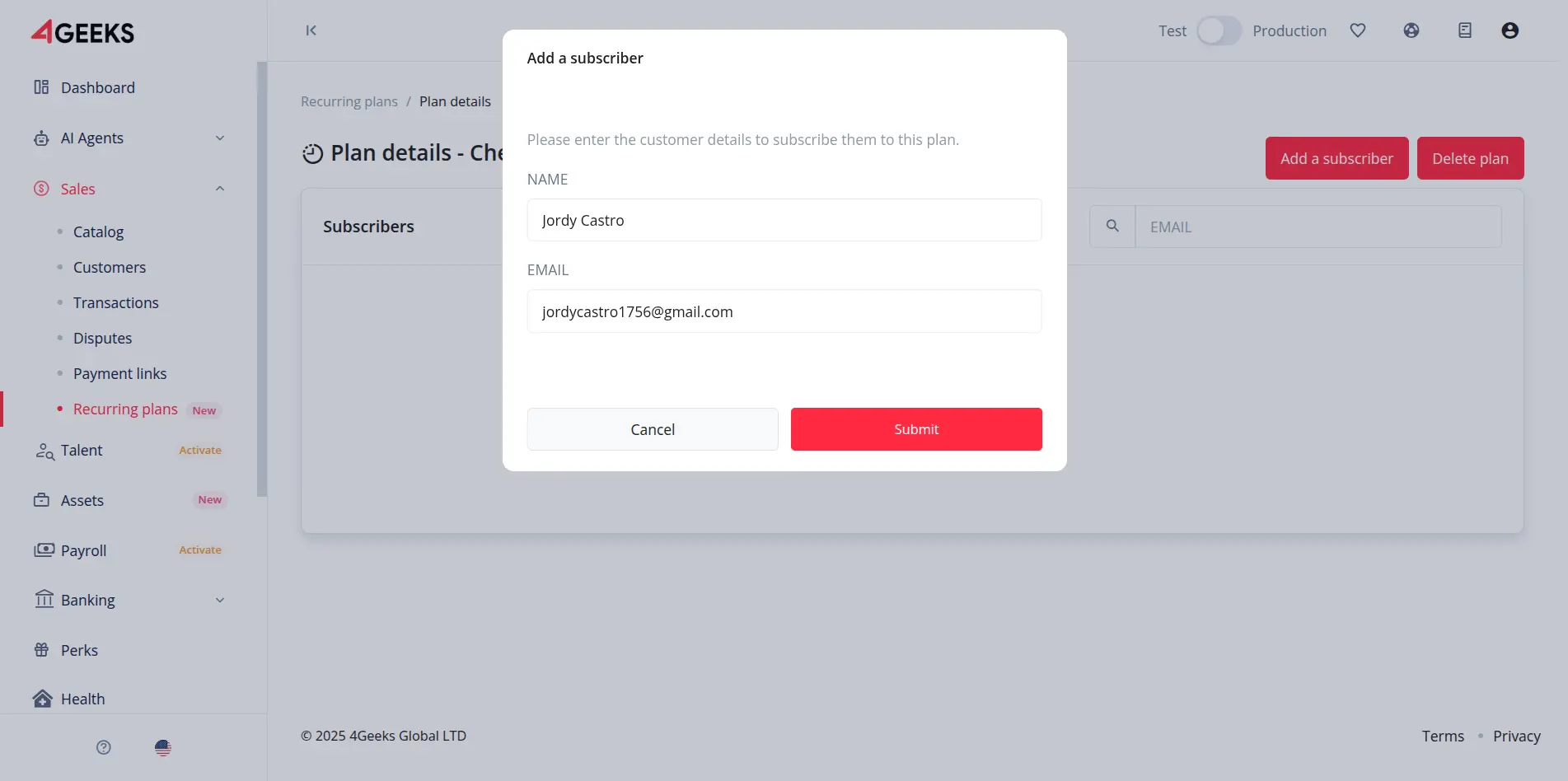
Register Subscriber: Click the Add a Subscriber button in the top-right corner. Enter the customer’s required information in the form and click Submit.
-
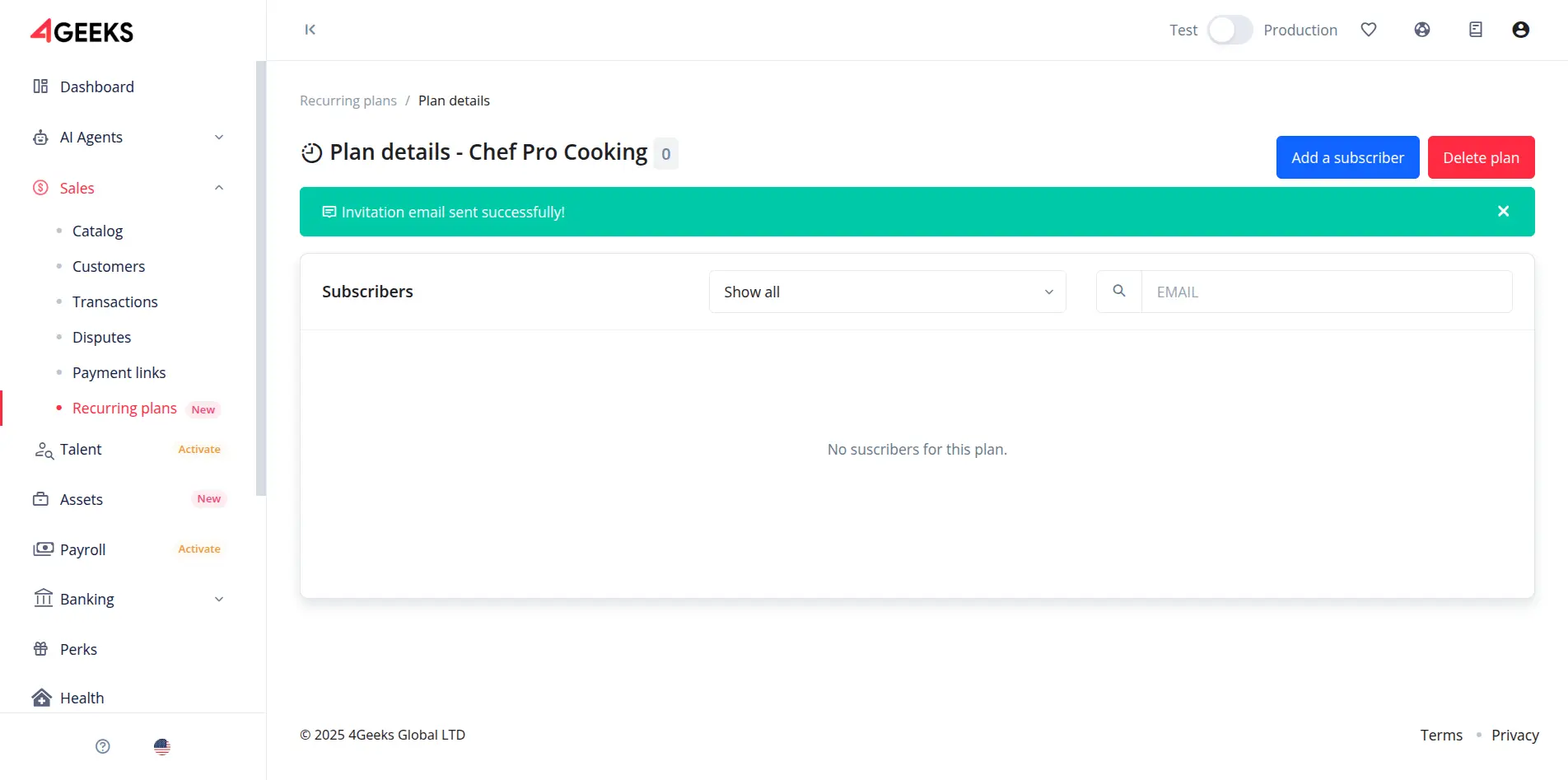
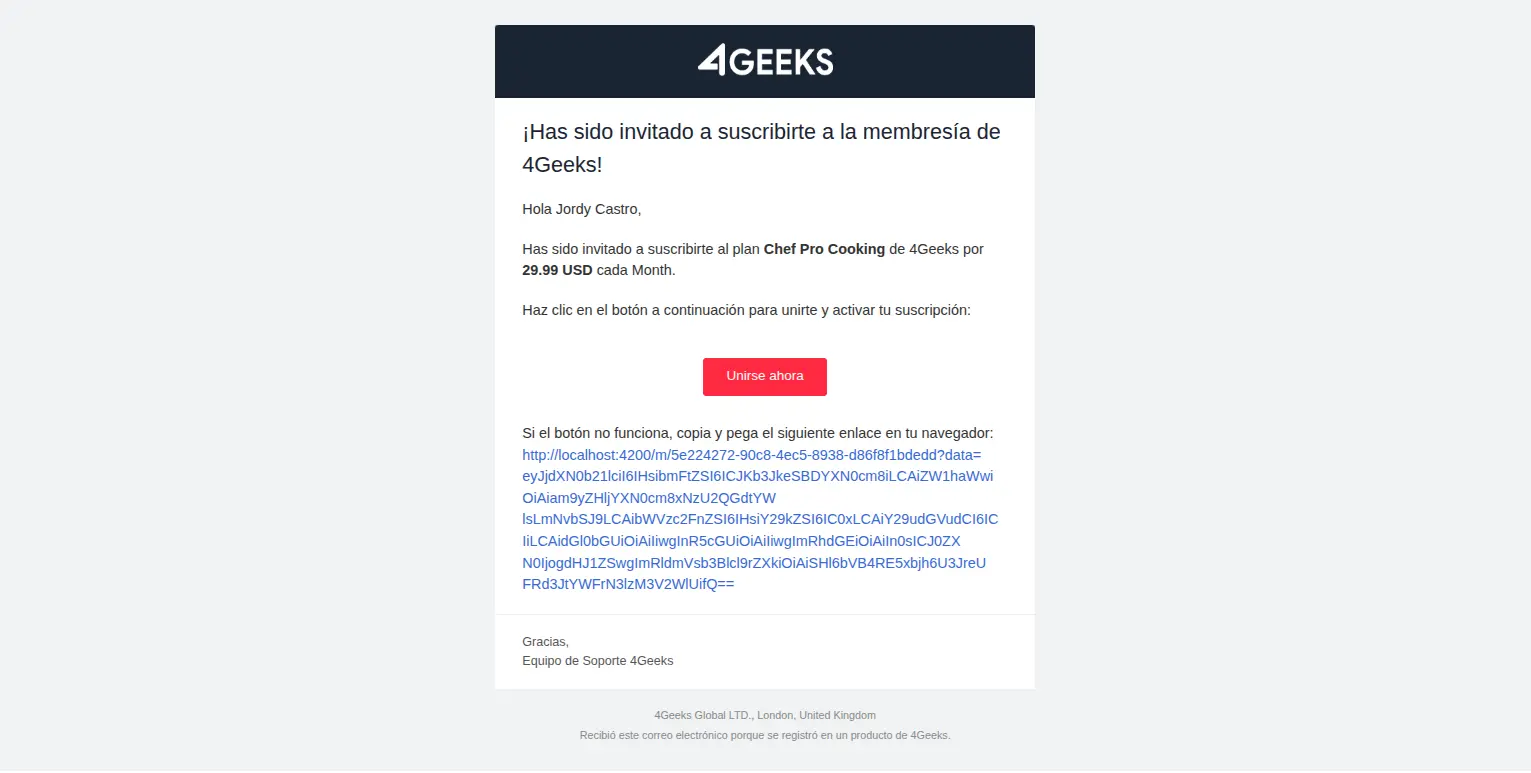
Email Invitation: The customer will automatically receive an email containing a secure link. They must click this link to proceed to the subscription page.
-
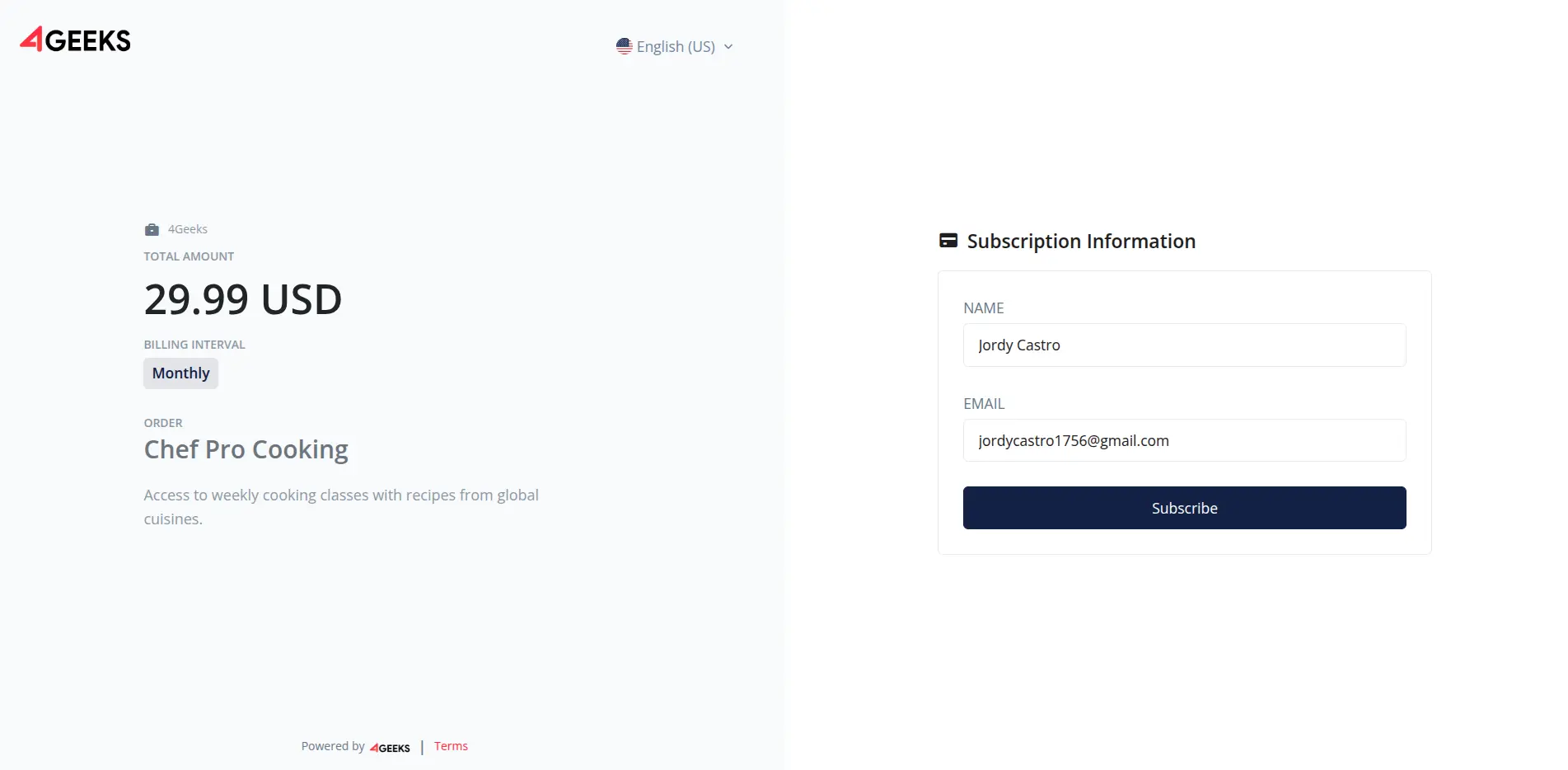
Complete Payment: The customer will be redirected to a checkout form where they must enter their payment details to finalize the subscription.
Unsubscribing from a plan
To unsubscribe a user from a plan, follow these steps:
- Select a Plan: Navigate to the details page of the plan from which you want to unsubscribe a user.
-
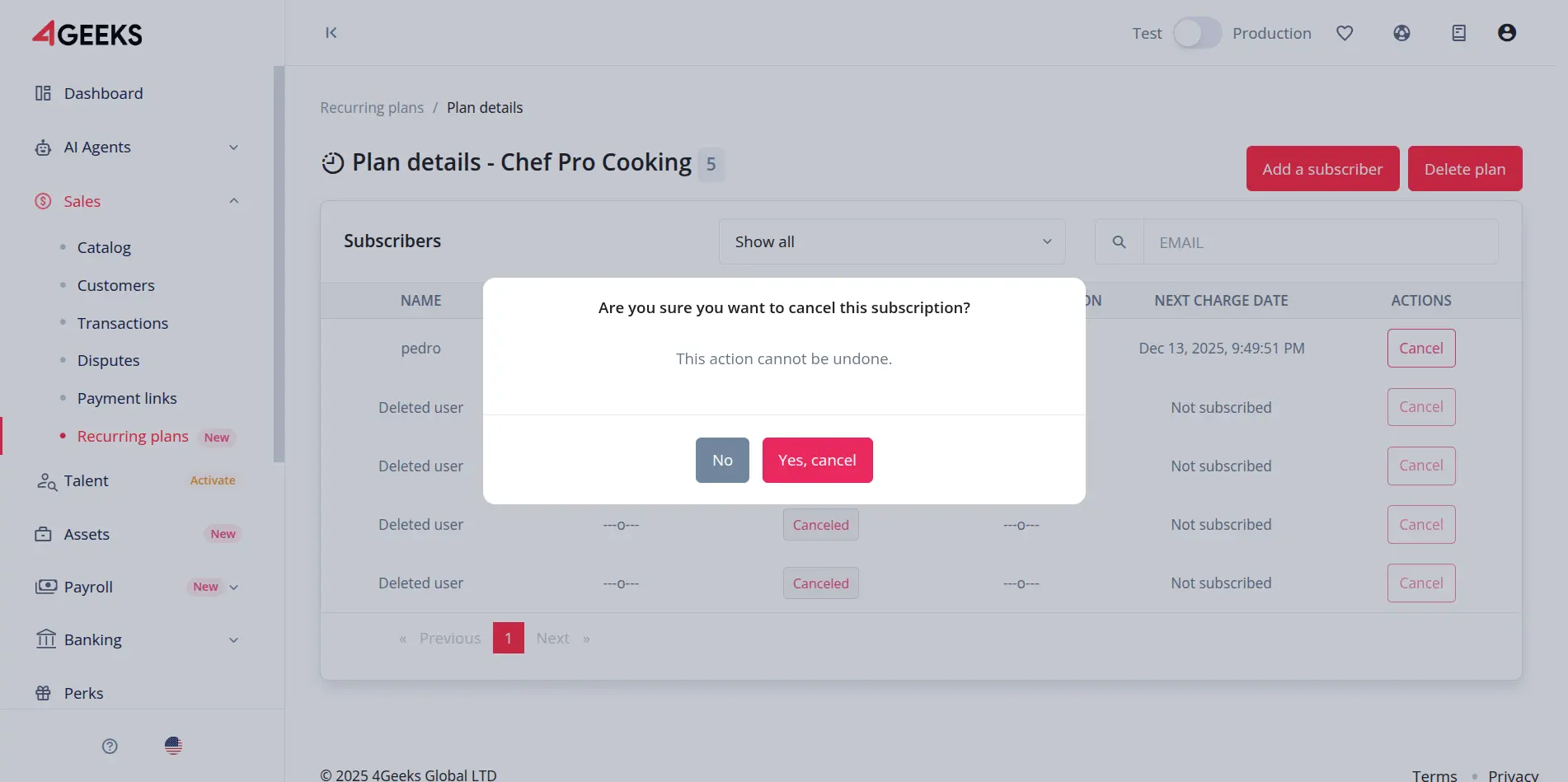
Locate Subscriber: Find the subscriber in the list and click the Cancel button.

-
Confirm Unsubscription: A confirmation dialog will appear. Confirm the action to complete the unsubscription process.
Delete a plan
Every plan owner has the option to delete a plan they have created. However, this involves several conditions:
- All subscribers will have their memberships cancelled.
- All subscribers will receive an email notification with this action.
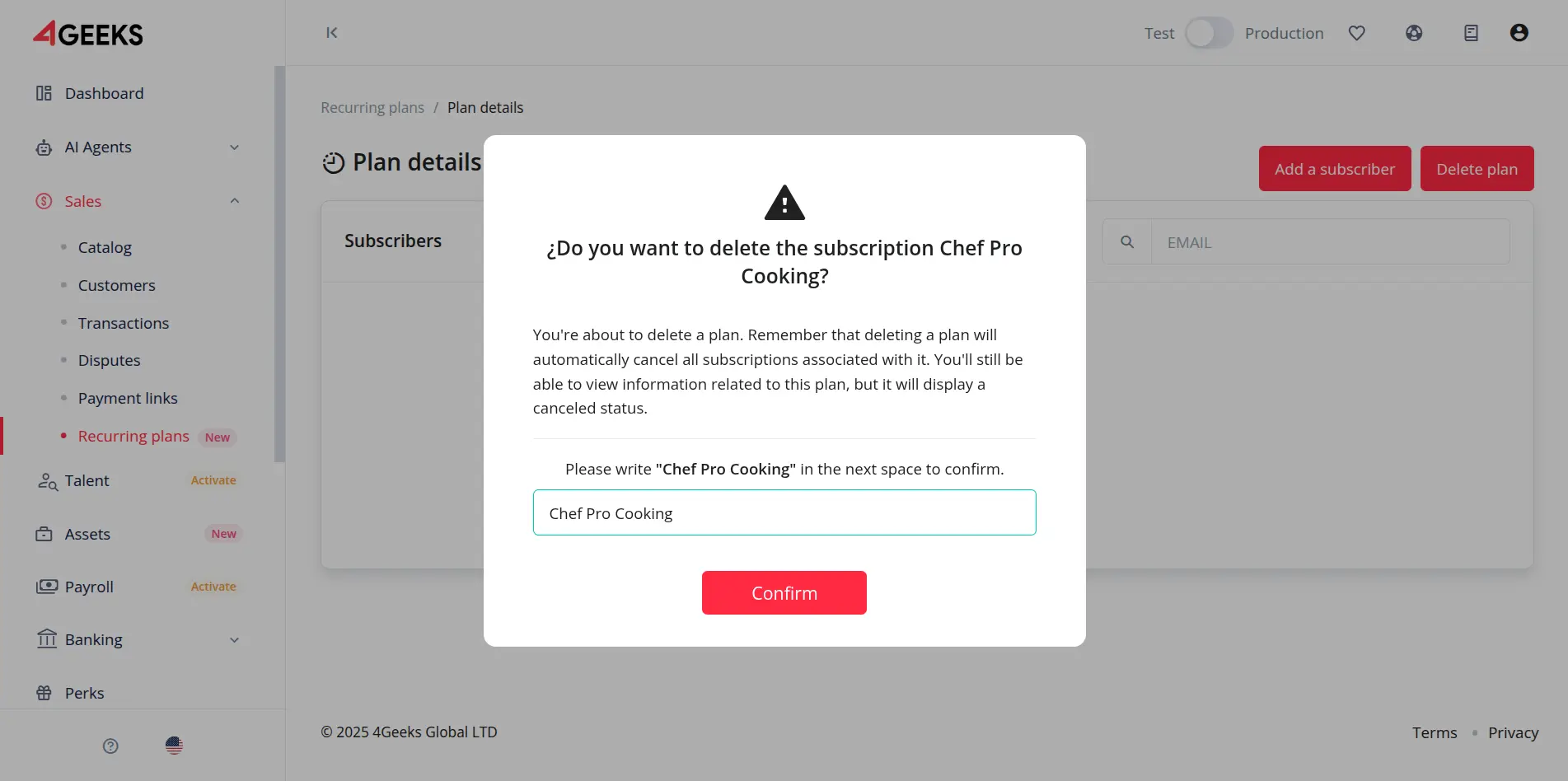
To delete a plan, go to the detail page of a specific plan and click the Delete plan button.
A confirmation dialog will appear. Write the plan name and click Confirm button.
Webhook notifications
In addition to email notifications, you can configure a webhook to receive real-time updates about subscription events.
The webhook payload is encrypted for security using the RSA system. You will need your Private Key to decrypt the message and process the subscription data programmatically.
Additional conditions
- Plans cannot be edited once created (except for some metadata).
- There cannot be two plans with the same name.
- A user can only subscribe to a plan with a single email per plan.
- Plans do not have an expiration date; they renew according to the configured interval.
- All data sent by the webhook is encrypted.